Goodbye Copilot: Llama 3 & Qwen-Coder lokal auf einer RTX 3090 betreiben
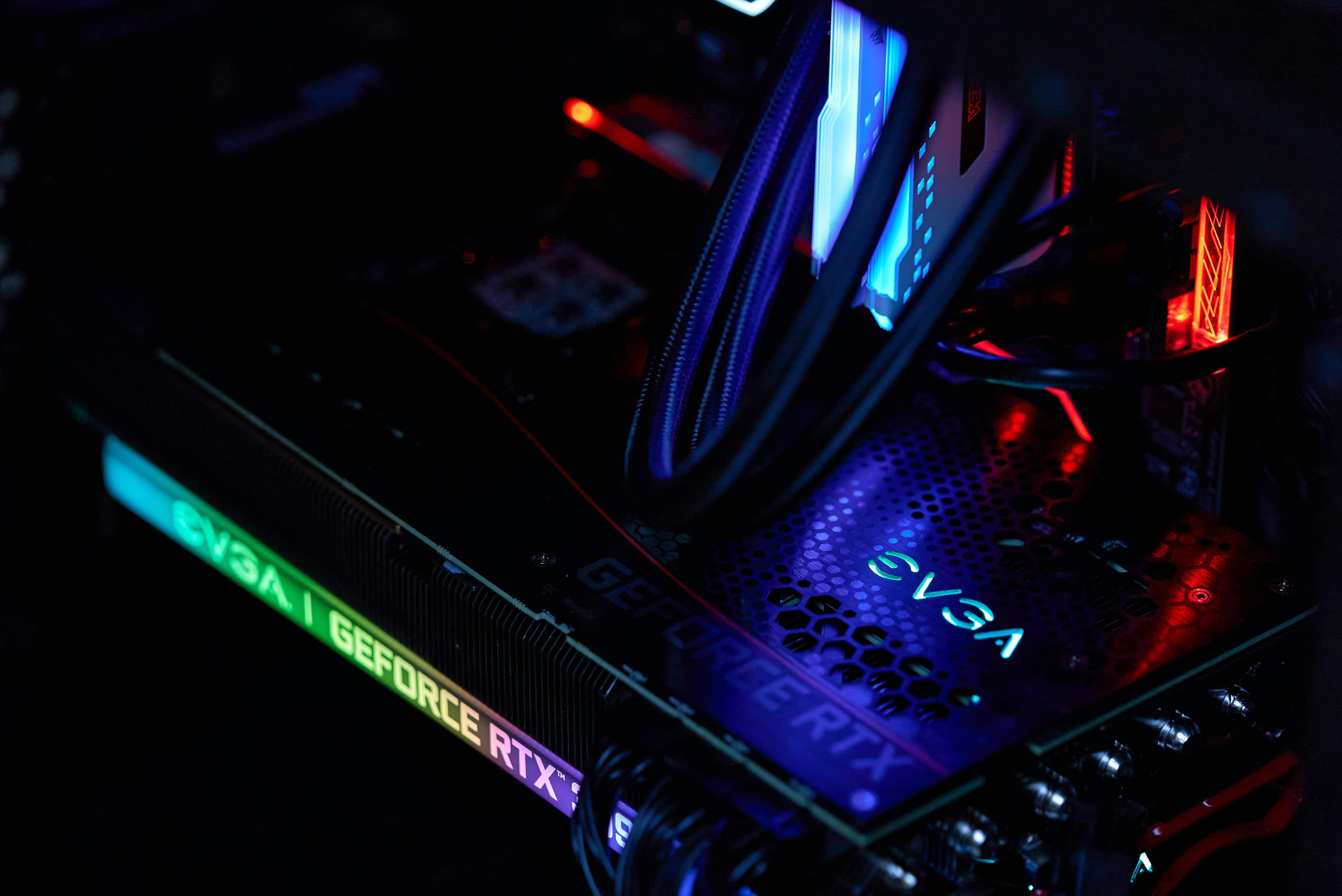
Datenschutz in der Softwareentwicklung ist nicht nur eine Vorliebe – für viele ist er eine rechtliche Notwendigkeit. GitHub Copilot ist zwar praktisch, erfordert aber, dass du deine proprietäre Logik an einen Drittanbieter-Server sendest.
Mit den gewaltigen 24 GB VRAM der NVIDIA RTX 3090 müssen wir keine Kompromisse mehr eingehen. Wir können State-of-the-Art-Modelle wie Llama 3 und das spezialisierte Qwen2.5-Coder (das derzeit in Coding-Benchmarks mit GPT-4 konkurriert) komplett auf eigener Hardware ausführen.
Warum die RTX 3090?
Die RTX 3090 ist der „Sweet Spot“ für lokale LLMs. Ihr 24 GB großer GDDR6X VRAM erlaubt es dir, folgende Modelle zu laden:
- Llama 3 (8B): Mit nahezu verzögerungsfreier Token-Generierung.
- Qwen2.5-Coder (32B): Dank 4-Bit oder 8-Bit Quantisierung bietet dieses Modell ein massives Upgrade in Sachen Logik und Reasoning gegenüber kleineren Varianten.
Schritt 1: Das Backend mit Ollama einrichten
Ollama macht die Verwaltung lokaler Modelle so einfach wie das Handling von Docker-Containern. Falls du es noch nicht installiert hast, schau auf ollama.com vorbei.
Sobald es installiert ist, öffne dein Terminal und lade die benötigten Modelle herunter:
ollama pull qwen2.5-coder:32bSchritt 2: Integration in VS Code (OpenCode / Continue)
Um das volle „Copilot-Feeling“ zu bekommen, benötigst du eine Brücke zwischen deiner IDE und Ollama. Es gibt viele Extensions, aber OpenCode (für agentische Aufgaben) und Continue (für Inline-Vervollständigungen) sind aktuell die erste Wahl.
1. Die Extensions installieren
Suche im VS Code Marketplace nach:
- Continue: Ideal für den Chat in der Seitenleiste und die „Apply to File“-Funktion.
- OpenCode: Am besten für den „Agenten-Modus“, in dem die KI tatsächlich Terminalbefehle ausführen und dein gesamtes Verzeichnis lesen kann.
2. Konfiguration für die RTX 3090
Mit 24 GB VRAM müssen wir uns nicht mit winzigen Modellen zufriedengeben. Wir nutzen Llama 3 (8B) für blitzschnelles „Tab-Autocomplete“ und Qwen-Coder (32B) für tiefgreifende Architekturfragen.
Öffne deine config.json (meist unter ~/.continue/config.json zu finden) und füge diese optimierte Konfiguration ein:
{
"models": [
{
"title": "Qwen-Coder 32B (RTX 3090)",
"provider": "ollama",
"model": "qwen2.5-coder:32b",
"contextLength": 32768
},
{
"title": "Llama 3 8B",
"provider": "ollama",
"model": "llama3:8b"
}
],
"tabAutocompleteModel": {
"title": "Tab Autocomplete",
"provider": "ollama",
"model": "qwen2.5-coder:7b"
},
"allowAnonymousTelemetry": false
}3. Warum die Kombi aus 3090 und Qwen-Coder eine Ansage ist (mit Haken)
Während viele Entwickler versuchen, kleinere 7B- oder 14B-Modelle für mehr Speed zu nutzen, ist die RTX 3090 wohl der Mindest-Einstiegspunkt für hochpräzise Coding-Intelligenz.
Das Qwen2.5-Coder 32B Modell ist der aktuelle „Sweet Spot“ für 24-GB-Karten, reizt die Hardware aber bis zum Äußersten aus. Hier ist die technische Realität dieser Kombination:
- VRAM-Sättigung: Bei einer Q4_K_M Quantisierung belegt das 32B-Modell etwa 19 GB bis 22 GB VRAM. Das passt zwar technisch, lässt aber kaum Spielraum für extrem große Kontext-Fenster. Ein 32k Kontext ist machbar, aber darüber hinaus drohen „Out of Memory“-Fehler oder starke Verlangsamungen.
- Performance: Auf einer 3090 kannst du mit einer Generierungsgeschwindigkeit von ~35 bis 45 Token pro Sekunde rechnen. Das ist flott für den Chat, aber bei umfangreicher Code-Generierung wird die „Denkpause“ im Vergleich zu Cloud-Lösungen wie GPT-4 spürbar.
- Logik vs. Skalierung: Die 32B-Version von Qwen-Coder ist deutlich fähiger als die 8B-Varianten, wenn es darum geht, komplexer Logik zu folgen. Dennoch erfordert sie klare, modulare Anweisungen; selbst mit 24 GB VRAM kann das Modell bei architektonischen Änderungen über mehrere Dateien hinweg straucheln, wenn der Prompt nicht präzise eingegrenzt ist.
4. OpenCode mit Ollama ausführen
Wenn du über den einfachen Chat hinausgehen willst und der KI erlaubst, direkt mit deinen lokalen Dateien zu interagieren, ist OpenCode das Werkzeug der Wahl. Anstatt mit Umgebungsvariablen oder manuellen JSON-Edits zu hantieren, reicht ein einziger Befehl, um deine lokalen Modelle mit dem Agenten zu verknüpfen.
Der Startbefehl
Gib im Terminal einfach Folgendes ein:
ollama launch opencodeDieser Befehl startet ein geführtes Setup, bei dem du das gewünschte Modell auswählen kannst. Da du eine RTX 3090 besitzt, empfehle ich die Auswahl von Qwen3-Coder oder GLM-4.7-flash (sofern für 24 GB VRAM optimiert).
Den Agenten arbeiten lassen
Sobald der Agent läuft, kannst du ihm Aufgaben geben, die deinen lokalen Workspace betreffen:
Prompt: „Erkläre mir den Tech-Stack dieses Projekts.“ oder Prompt: „Prüfe den Ordner
/src/componentsauf veraltete Prop-Types. Refactore sie so, dass sie die neuen TypeScript-Interfaces intypes.tsnutzen und sag mir Bescheid, falls Imports fehlen.“
Da die RTX 3090 über 24 GB VRAM verfügt, kann der Agent einen beträchtlichen Teil deines Codes im Kontext halten, während er arbeitet. Du wirst sehen, wie er deine Dateien scannt, die Änderungen (Diffs) vorschlägt und auf deine Bestätigung wartet – all das, ohne dass deine Daten jemals einen Cloud-Server berühren.
Update: Die Realität lokaler Agenten
Einen lokalen „Copilot“ zu haben ist das eine, aber kann er tatsächlich als autonomer Senior-Entwickler fungieren? Nachdem ich dieses Setup eine Woche lang im harten Produktionseinsatz getestet habe, habe ich herausgefunden, wo die 3090 glänzt – und wo lokale Modelle immer noch an eine „Logik-Wand“ stoßen.
Lies hier Teil 2: Der Reality-Check: Warum lokale Agenten oft den Plan vergessen
Nächste Artikel.
Der Realitätscheck: Kann lokale KI wirklich einen Senior-Dev ersetzen?
Teil 2 unserer Serie über lokale LLMs. Wir testen Qwen2.5-Coder und Llama 3 in echten agentischen Workflows auf einer RTX 3090. Warum 'fast funktionierend' nicht gut genug ist.

KI ohne Port-Freigabe: OpenClaw und Ollama sicher über Tailscale vernetzen
OpenClaw ist ein mächtiger KI-Agent, aber voller Host-Zugriff birgt Risiken. Erfahre, wie du OpenClaw und Ollama sicher verbindest, indem du Tailscale nutzt, um den Zugriff auf einen einzigen Port zu beschränken und dein Heimnetzwerk zu schützen.

Atomic Arch. Wie 1.500 AUR-Pakete ohne Exploit gekapert wurden
Analyse der jüngsten Atomic-Arch-Supply-Chain-Kampagne. Angreifer übernahmen verwaiste Arch-Linux-Pakete, um einen Credential-Stealer und ein eBPF-Rootkit zu verbreiten. Was Sie über den Vorfall wissen müssen.